A home karaoke setup does not have to be a full stage system. The reliable path is a dynamic microphone into a mixer, karaoke player or audio interface, then into a speaker that can play vocals clearly without feedback. This guide walks through the signal chain, a sensible shopping list, and how to set gain so the night is loud enough but not harsh.
If you already have a microphone and mainly need cable and stand advice, start with our dynamic karaoke microphone XLR setup guide. The notes below cover the whole room: speakers, stands, two-mic parties and the usual problems.
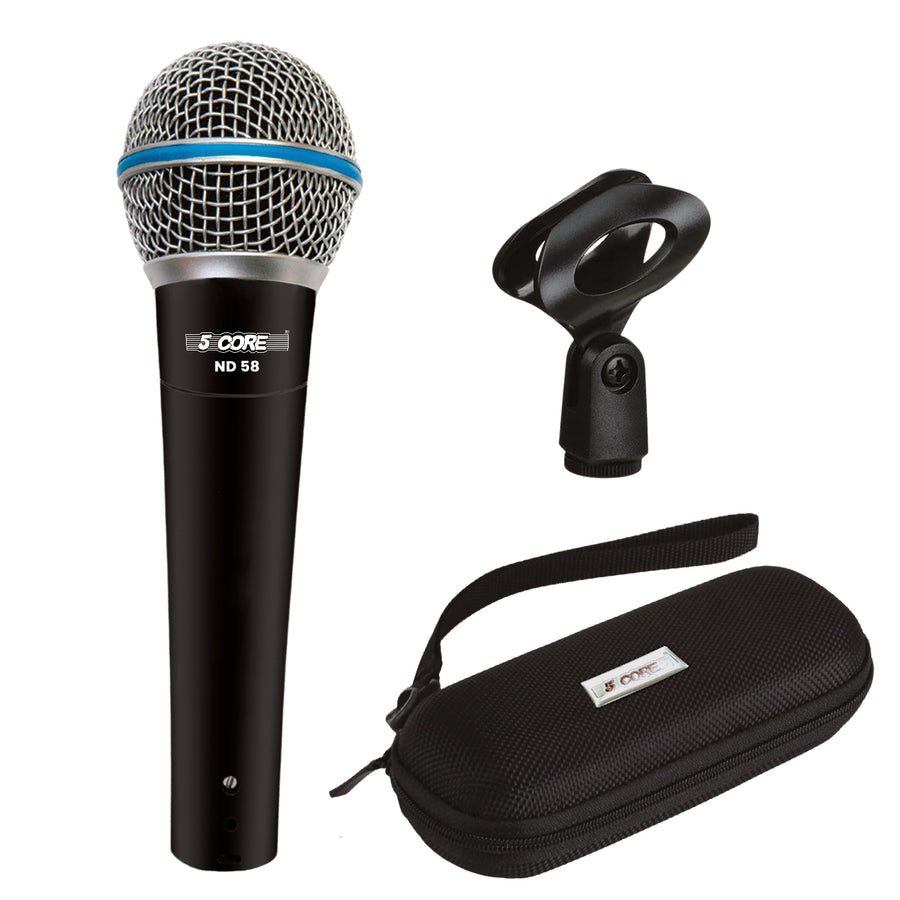
A wired dynamic vocal mic such as the 5 Core ND-58 XLR dynamic karaoke microphone, the ND-58 with a slightly different finish, or a two-pack of 5 Core handheld dynamic mics is a solid starting point for living-room use. Wired mics avoid battery surprises and pairing delays. If you later go wireless, keep a wired mic as a backup.
Hold the mic close (about an inch or two from the mouth) and on-axis. Add a foam windscreen if you have hard “p” and “b” sounds, and a clip plus stand so guests are not waving the cable. A mini desktop tripod stand with a mic clip works on a table; a full mic stand with a clip and thread adapter is better for standing performances. If adapters confuse you, mic stand thread sizes explains the usual 5/8-inch and 3/8-inch parts. Spare XLR connectors are useful if you make or repair your own cables.
Think about the room, not a concert level. For a living room or rec room, one or two compact full-range speakers at moderate volume will be easier to live with than a large club cabinet. In a finished basement or studio, a pair of 12-inch PA speakers on the 5 Core speaker stands can cover a bigger group; our guide to choosing PA speaker size for a venue explains when to step up. Place speakers in front of the singers, aimed at the listeners, with the mics behind the speaker plane.
Check loudness with the amplifier wattage and SPL calculator if you are pairing a passive speaker with a separate amplifier. Keep the load within what the amp can drive; the impedance calculator and wire gauge guide help when the speakers are across the room. For connections on portable cabinets, twist-lock speaker connectors are sturdier than bare wire.
If you also run recorded music from a TV or phone, send that into a line input, not a mic input, and leave the music a bit under the vocal so the singer can hear pitch.
All of these parts are in our microphones, cables and speakers categories, with stands and clips under accessories.
Usually not, not well. TV and phone inputs expect a different level and connector, and they often pick up noise or fail to provide useful gain. Use a mixer, a karaoke machine or an interface with a proper mic preamp, then send that output to the TV speakers or, better, to a dedicated speaker.
It can work for a single singer into a computer, but USB mics are harder to mix with a second mic or a room speaker without latency and feedback. A wired dynamic XLR mic into a small mixer is more predictable for a party.
It depends on the building and the time of day. Keep speakers aimed into the room, not at shared walls or open windows, and use two speakers at a moderate level instead of one speaker at maximum. If the vocal starts to sound crunchy, you are probably clipping — turn the gain down.
No. Karaoke is about clear vocals and a solid backing track. A subwoofer is optional for heavier playback in a large room; it will not fix a speaker that is already distorting or feeding back.
This guide is general information for planning a system. Always check the manuals for your amplifier and speakers, and follow local rules for volume and outdoor use.
Home · About · Guides · FAQ & Contact